Adding a New Tool to Your AI Agent Almost Always Makes It Worse
The instinct is to give your agent more capabilities. That instinct is usually wrong, and here is what happens when you follow it.

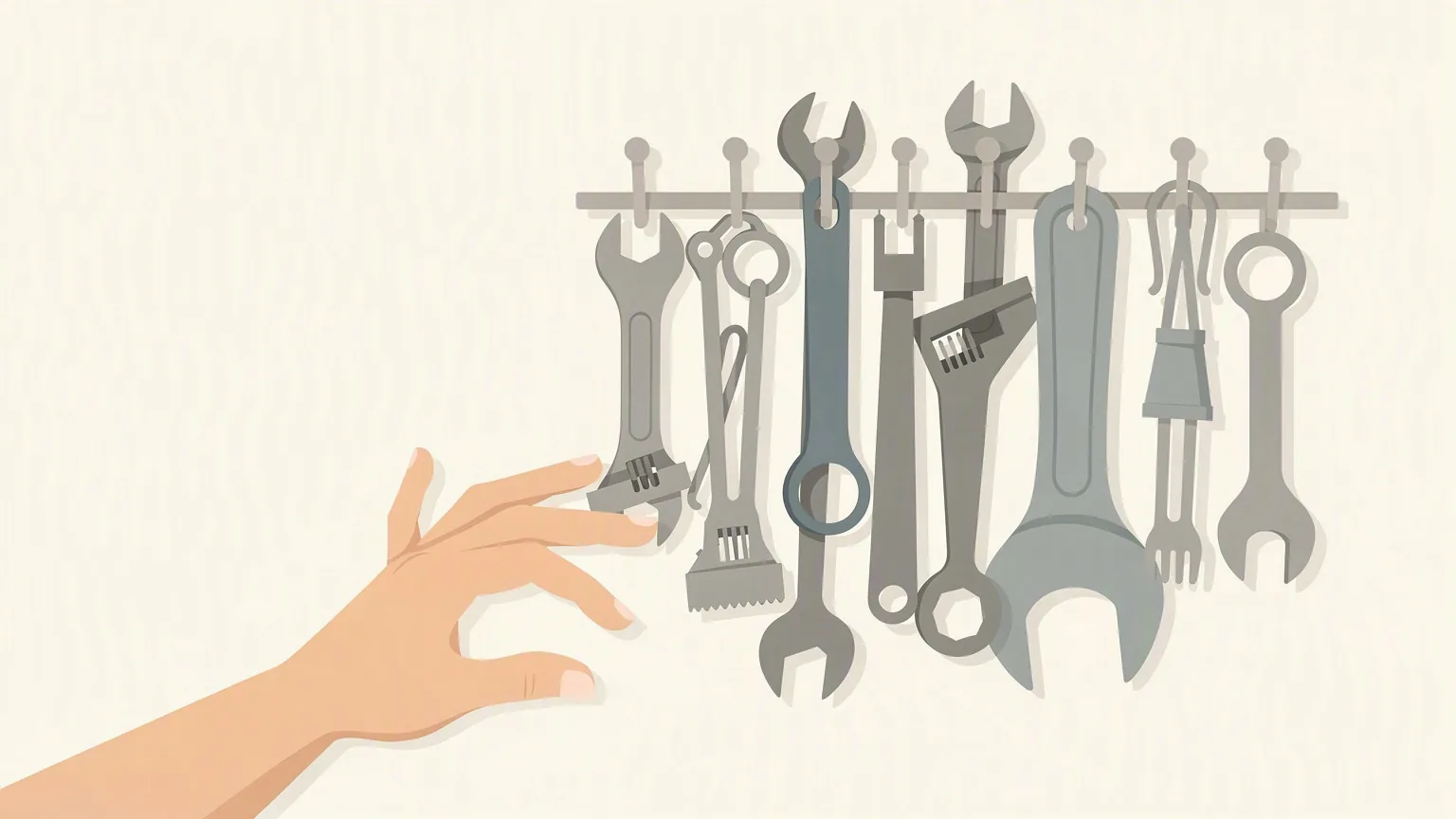
Your AI agent is missing something. You know what it needs. So you add a tool. A new API call, a new integration, a new skill file, a new function it can invoke. It works in testing. You ship it.
Two weeks later the agent is quietly worse. Not broken, just... duller. It takes longer. It picks wrong more often. It calls the new tool in situations it shouldn't. Sometimes it uses the new tool when the old one would have been faster, cheaper, and correct.
You are not imagining it. This happens almost every time. And the reason is not that you picked the wrong tool.
#Every tool is a tax on every other tool
An LLM-based agent does not have a fixed toolbox it reaches into. It has a prompt with every tool description crammed into it, and every time you ask it to do anything, it has to consider all of them.
You added one tool. But every existing tool now has to compete with the new one for the agent's attention. The old tools' descriptions did not change. Their behavior did not change. But the decision surface changed. Every prompt is now slightly harder to reason over.
We run nine agents in production, each with anywhere from twenty to sixty tools. When we add a tool to any of them, the first thing we watch for is not "does the new tool work." We already know it works in isolation. What we watch for is regressions in tools that have nothing to do with the new one. That is where the damage shows up.
#Why more tools makes agents worse (concretely)
Four things happen when you add a tool.
1. Tool selection gets noisier. With ten tools, the agent has ten to weigh at each step. With eleven, it has eleven. The model does not gracefully "ignore" the irrelevant ones. It reads them all, every turn, and each one adds a small probability that the agent picks it in a case where it should not.
2. The prompt gets longer, and cheaper thinking gets worse. Every tool description you add sits in the system prompt on every single request. On a short task, that is not much. On a multi-turn agent that runs 40 tool calls to finish a job, you just multiplied the cost of your new tool description by 40 and pushed something else out of the model's working attention.
3. Overlapping tools split behavior. If your new tool is anywhere near the responsibility of an existing tool, the agent will now split its behavior between them, inconsistently, on the same input. Two weeks ago it always did X. Now it does X 70% of the time and your new thing 30% of the time. Your logs will look fine. Your users will notice something feels off.
4. Testing debt compounds. Every tool has an interaction with every other tool. If you had 20 tools, you had 190 pairs. Add one, you now have 210. You did not test the 20 new pairs. Something in there is wrong.
#Real examples, not hypotheticals
Last month we gave our sales agent an "email search" tool so it could look up a prospect's past conversation history before writing a follow-up. Textbook improvement. Every sales rep would want this.
What we did not anticipate: the agent now searched email before writing any message, including cold outbound to people we had never emailed. It wasted three to five seconds and a chunk of context on every send. It also started referencing "your last email" in messages to people who had never received an email from us. Not because the tool was broken. Because the tool was too tempting to leave unused, and the agent's system prompt had one more thing pulling on it.
Fix: we did not remove the tool. We narrowed the description to say "only use when the prospect has replied to us at least once." Behavior fixed in one turn. Zero code change on the tool itself.
A different agent had a "web browse" tool and a "documentation search" tool. Both could technically answer a lot of user questions. After we added the second one, the agent started using web browse for questions it should have answered from our own documentation, and using documentation search for questions that needed fresh information. The tools were fine. The agent was confused.
Fix: we removed the web browse tool from that agent entirely. It never actually needed it. We had added it "just in case." That case never came.
#The rule we now follow
Before adding a tool to an agent, we ask three questions:
How often will this be used? If the honest answer is "less than 5% of the time," it is a tax on the other 95%. It should not be in the base toolset. It should be in a sub-agent or a specialized mode that only exists when needed.
What tool does it overlap with, and how will the agent choose between them? If we cannot describe the choice in one sentence, the agent cannot either.
What tool are we removing? Not what tool could we remove. What tool are we removing. The default is that a new tool replaces or narrows an old one. Adding without subtracting is how you end up with a 60-tool agent that hesitates for four seconds on every message.
If we cannot answer all three, we do not add the tool. We audit the request instead.
#What to do this week
Look at the agent you use most. Count its tools. Not the raw list, count the ones that got used more than five times in the last month. Everything else is dead weight. It is not neutral. It is degrading the ones that do get used.
Delete three of them. Just try it. If nothing breaks in a week, they were tax.
If your agent's behavior gets sharper, that is your baseline. Now you know what your ceiling looked like before, and how much of it was noise.
#What we build with this in mind
We build agents for businesses that do not want to run a research lab. The temptation to bolt on tools is real, and the cost is invisible until it is not. We tune tool sets aggressively, remove more than we add, and treat every capability as a decision the agent has to make on every request. Fewer tools, sharper agent, cheaper to run.
If you have an agent that used to work and no longer feels sharp, that is often the first place to look. Not the model. Not the prompt. The tools you kept adding.
Talk to us about your agent. We will tell you what to keep, what to cut, and what is quietly draining the ones you kept.